
A Clean, Reliable Network for a Small Alternative Education Provision
When we were invited to help a small alternative education provision get their connectivity sorted, the brief was simple: make the place work properly. The team had been struggling with poor signal, awkward router placement, and the usual tangle of “temporary” fixes that had slowly become permanent. They also needed secure access control and better Wi-Fi coverage for staff and learners.
So we rolled up our sleeves and got everything running the way it should.
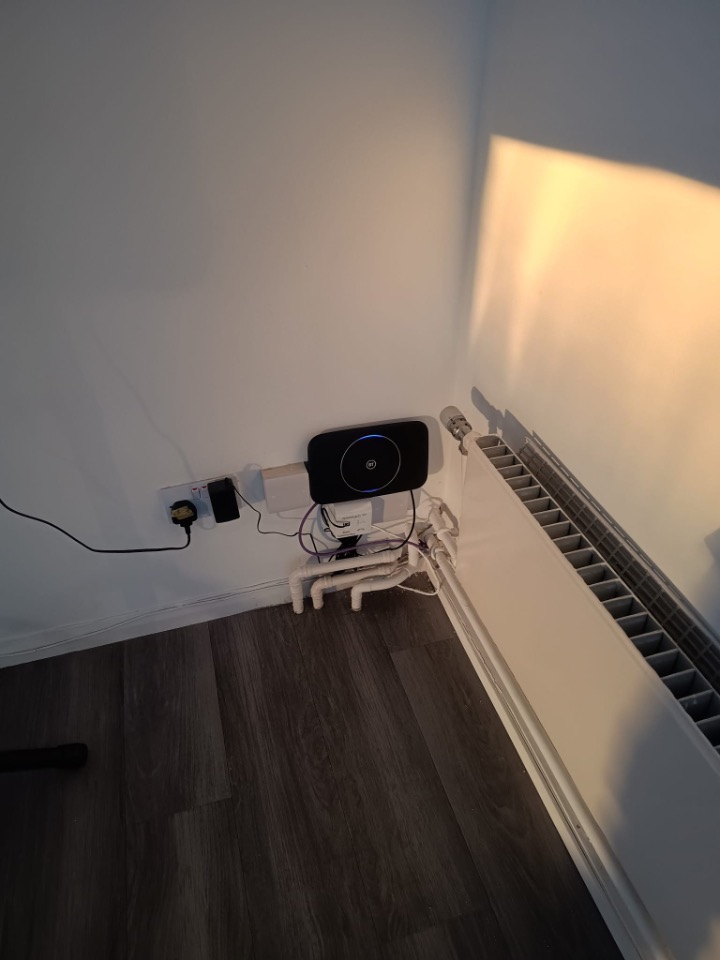
Moving and Mounting the Router Properly
The existing router had been tucked away in a less-than-ideal spot, and as with most setups like this, it meant poor wireless coverage and unnecessary clutter. We relocated it to a better position in the room and mounted it securely to the wall. Not only does this give it the breathing room it needs for better stability, it also keeps cables neat, accessible, and safely out of the way.
Adding Paxton Door Access for Secure Entry
Security is a huge priority for education settings, even small alternative provisions. We installed a Paxton door access system to give the staff controlled, trackable entry management without complicating their day-to-day operations.
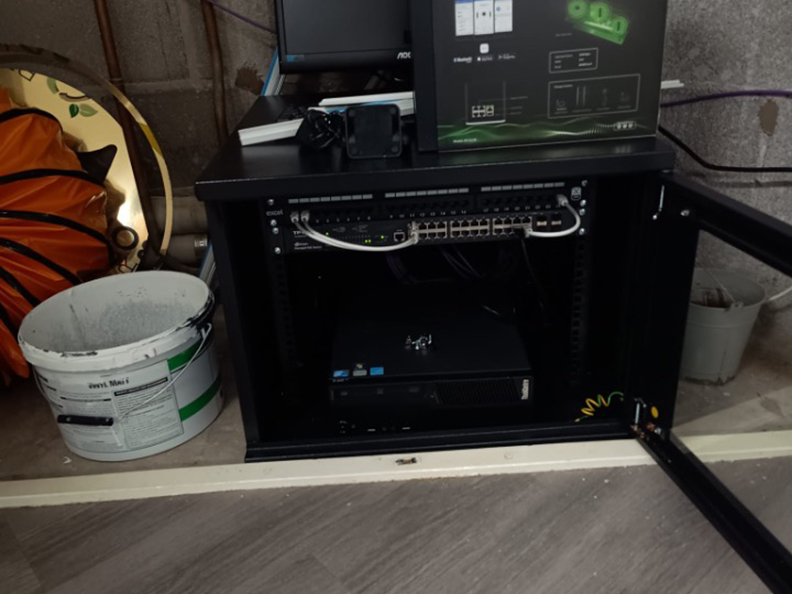
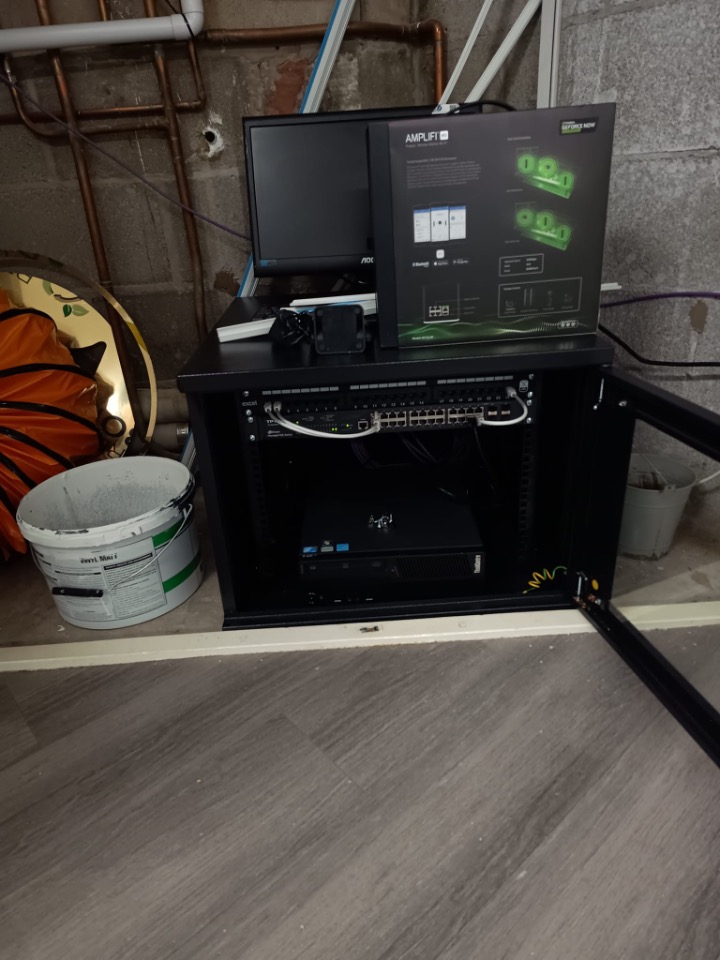
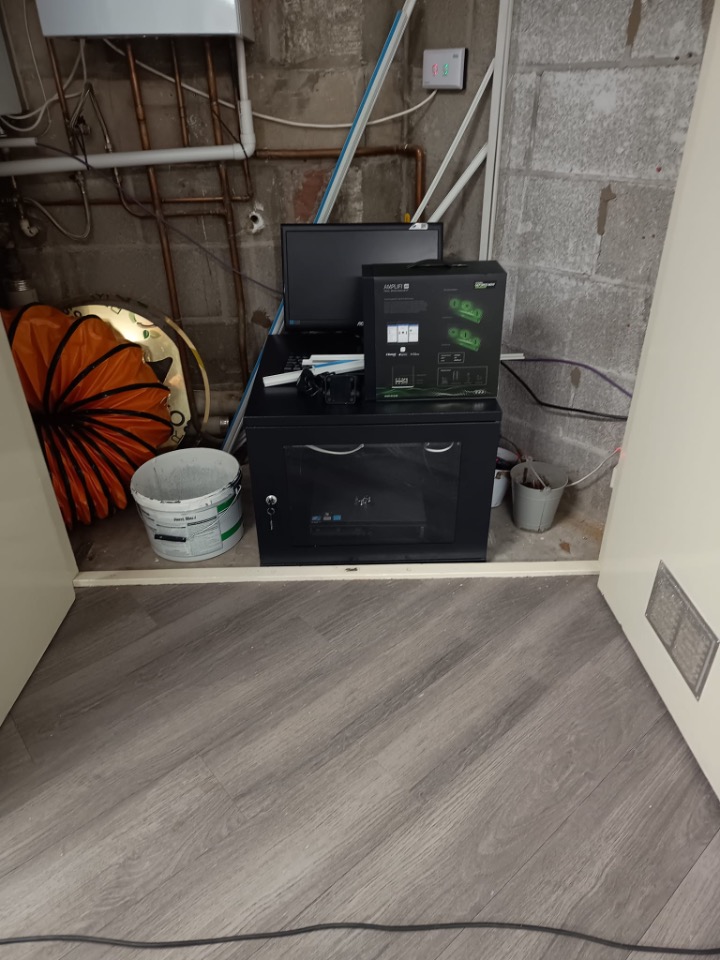
Everything has been cabled neatly back to the heart of the install: a freshly mounted comms cabinet hidden out of sight in a storage cupboard. It’s secure, it’s organised, and it brings all the hardware together where it belongs.
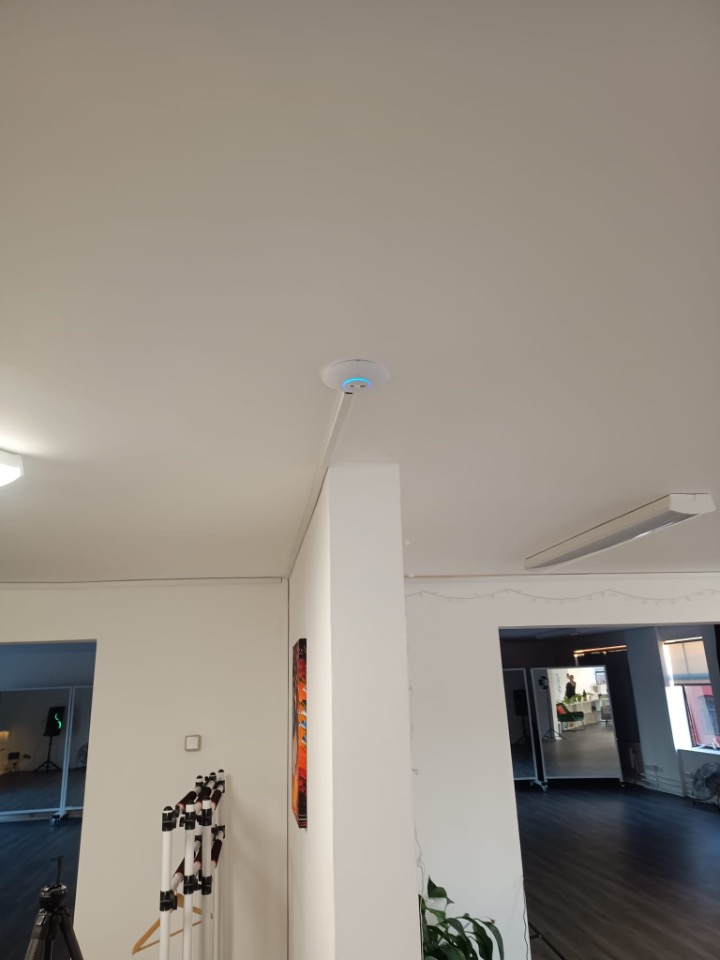
Boosting Coverage With a Ceiling‑Mounted Wireless Access Point
To make sure the whole space gets solid, stable Wi-Fi, we installed and cabled a wireless access point in a central location. Mounted high up and wired directly back to the cabinet, it gives the building the kind of consistent coverage you just can’t get from a router sitting on the floor.
The Finished Setup: Clean, Compact, and Out of Sight
The comms cabinet sits tucked away in a cupboard, housing the switch, Paxton controller, patching, and router neatly in one secure location. It’s easy to work on, but completely invisible to staff and students day‑to‑day. This kind of compact setup is perfect for smaller education spaces: all the performance of a proper network backbone, without the footprint.
A Small Job That Makes a Big Difference
It might look like a simple tidy-up on the surface, but moving equipment into the right place, wiring things correctly, and installing proper access control transforms the reliability of the whole environment.
Now the team can focus on what they do best — supporting students — without fighting with patchy Wi-Fi or worrying about security.
If your organisation needs something similar, whether it’s a quick network tidy-up or a full structured cabling install, we’re always happy to help.


No Comments